Install Texture Packs in Minecraft; Best Guide 2026
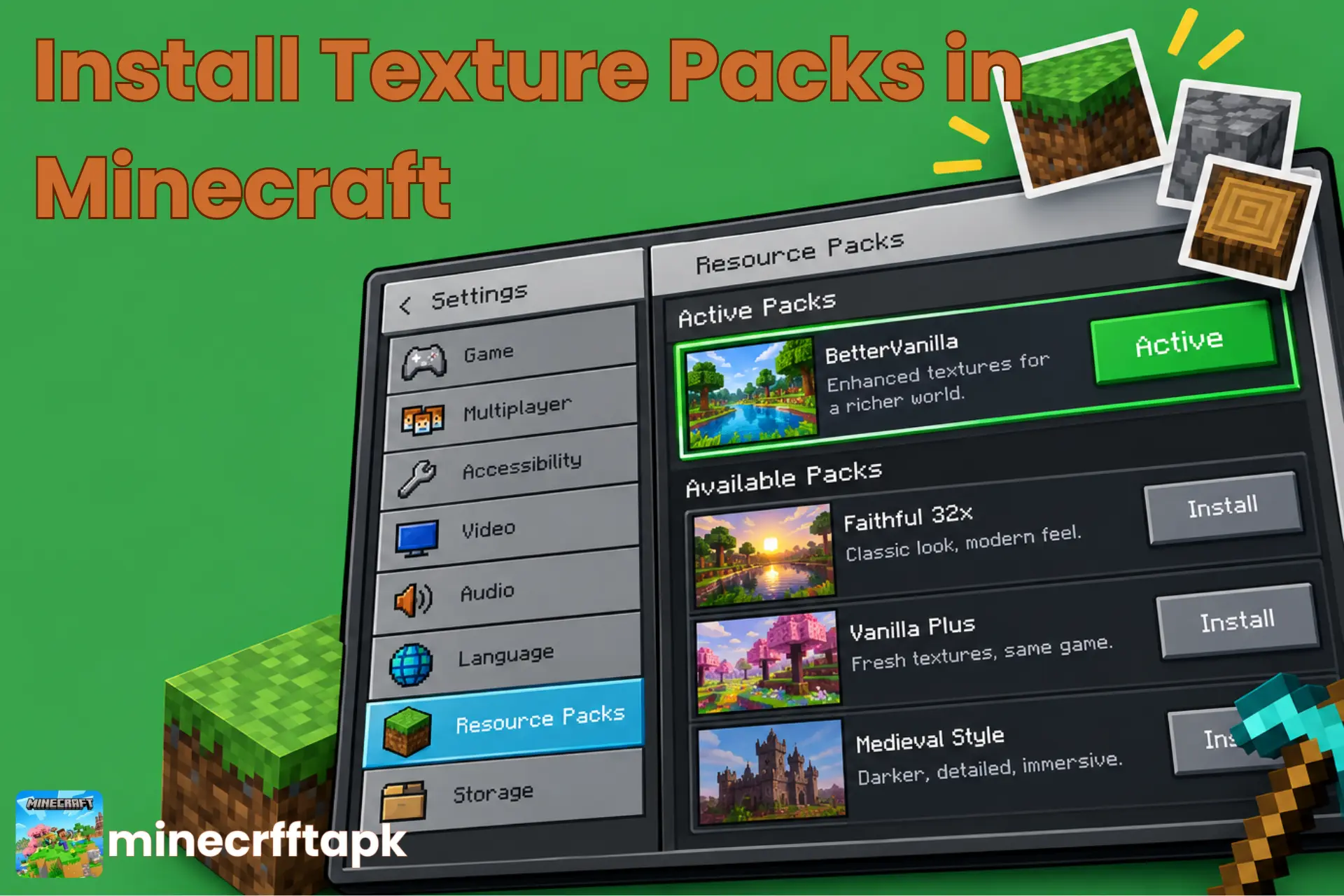
Do you want to reskin the blocks, Minecraft items, and upgrade the whole game theme by enhancing the graphics resolution? If yes, you just need to install texture packs in Minecraft APK.
Texture packs in Minecraft are a set of files that contain resource packs responsible to enhance the visual Graphical User Interface (GUI). These texture packs contain information in text and image form in zipped folders that a crafter unzips and imports into the game.
This article comprises a complete guide to installing texture packs in Minecraft and importing them.
What are Texture Packs in Minecraft?
Texture packs in Minecraft are files packed with textures and images that improve the quality of the game’s visuals to personalize the graphics and theme. Texture packs are preferably appreciated by players, making it more demanding in the gameplay.
In November 2010, in Java Edition Alpha v1.2.2, texture pack support was officially added by Mojang. These 16×16 pixel texture packs were introduced to improve the looks. Later in July 1013, resource packs were introduced to expand customization in features like sound quality, language, background music, and user experience.
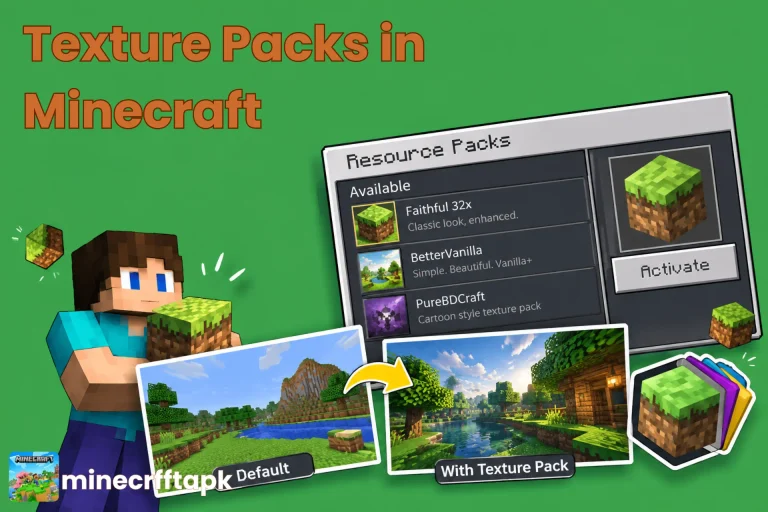
Best Texture Packs and Their Features
A list of recommended texture packs in Minecraft is given below:
| Texture Pack | Features |
|---|---|
| Faithful | Higher-resolution Minecraft textures |
| PureBDCraft | Bold, comic-book appearance |
| John Smith Legacy | Rustic and detailed textures |
| ModernArch | Realistic architectural textures |
| Bare Bones | Clean, minimal Minecraft look |
| Stay True | Enhanced textures while keeping the original style |
| Dokucraft | Medieval and fantasy atmosphere |
| Clarity | Sharper, cleaner textures |
| Compliance | Polished textures with familiar designs |
| Mizuno’s 16 Craft | Soft, detailed, charming aesthetic |
How to Download Texture Packs in Minecraft?
Without any delay, install texture packs in Minecraft and enjoy the insane game experience. Let’s follow these steps to get and install the textures in Minecraft:
Default Resource Packs
You can use the textures available by default in Minecraft, known as Global Resources. The vanilla pack is a built-in basic texture serving as a baseline style in visuals. These are located right below the installed packs. You can find them in the following paths:
Windows Path
/%appdata%/.minecraft/version/19w06a/19w06a.jar/assets
macOS Path
(home folder)/Library/Application Support/minecraft/version/19w06a/19w06a.jar/assets
Pros and Cons of Texture Packs in Minecraft
Pros
Cons
Conclusion
Texture packs in Minecraft play an important role in visual dynamics as well as the performance of the game. A variety of packs for different game textures are available for Minecraft that make the game iconic.
The key point is that you must download these pack files from a trusted website that is safe to use and virus-free. Your device must be supportive with those files to deliver an excellent performance.