What is Minecraft Education? Best Gameplay Tutorial 2026
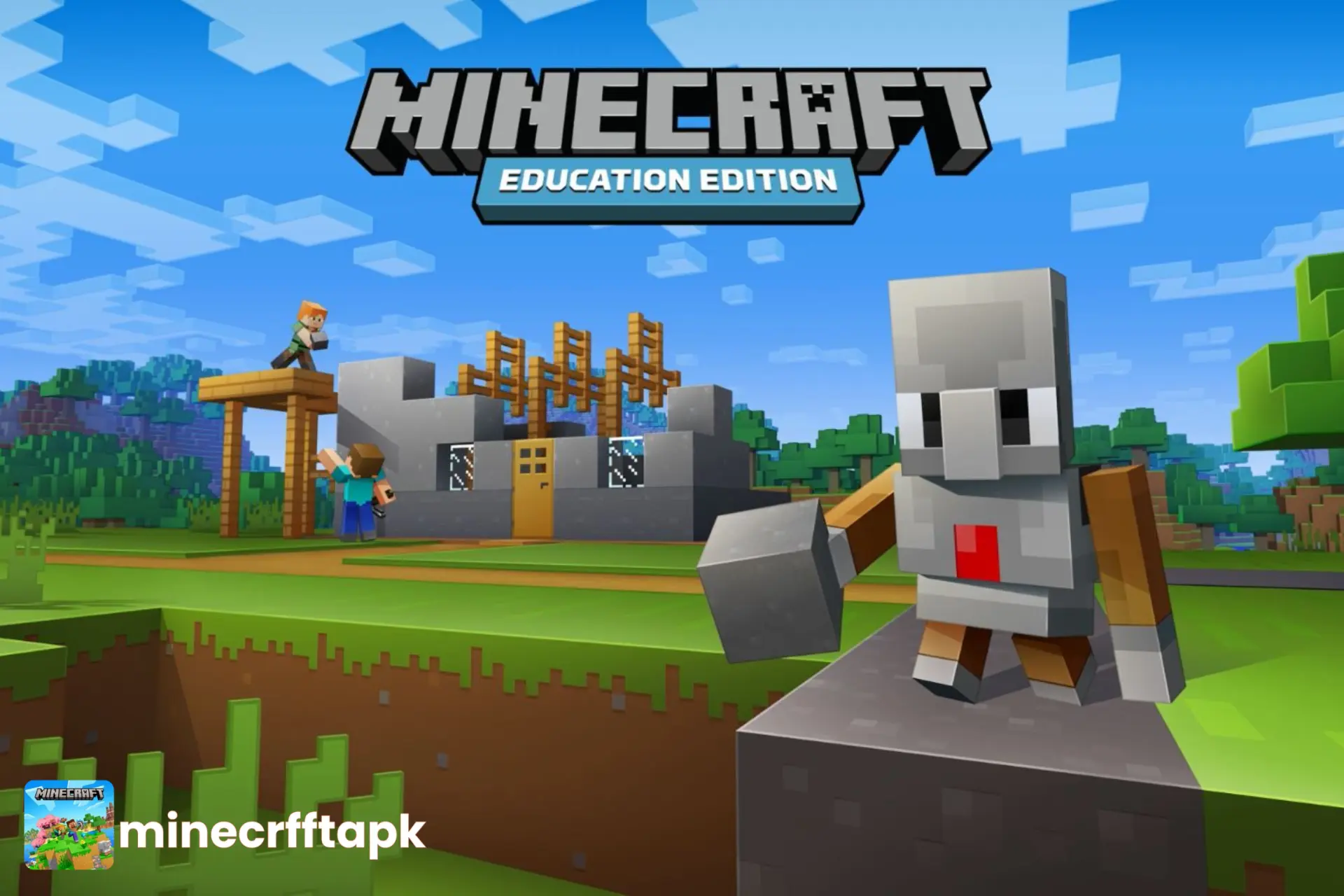
Have you pondered turning your fun time into an advantageous activity? Minecraft Education offers gameplay effective for deep learning for students. The educational version of Minecraft APK is equipped with customized features to elaborate on educational-based skills. MinecraftEdu allows students to solve mathematical problems, scientific and chemical creation of redstones, cakes, woods, iron and much more in interactive patterns using the multiplayer feature of Minecraft.
At the same time, using this unique game, teachers create an environment for assessment, evaluation, clarifying abstract concepts, and visual challenges.
In this article, we will learn about what is Minecraft Education and what impact it has on students’ lives collaboratively. Let’s spill the beans!
What is Minecraft Education?
Minecraft Education is a fun edition of Minecraft gameplay tailored for classrooms in schools for educators, students, and other learning groups at homeschool setups. It was released globally on November 1, 2016 by Mojang Studios, after getting MinecraftEdu under supervision of Microsoft (Company).
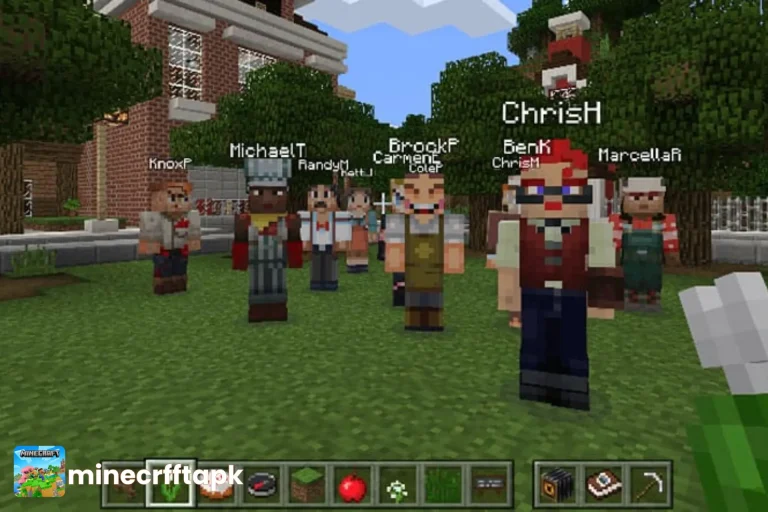
The app allows teamwork features, with multiplayer up to 30 participants in a game session. Here, the teacher can upload co-curriculum lesson plans to customize the gameplay to integrate skillful learning. Activities, modes, and students’ learning outcomes (SLOs) are elaborated as follows:
| Game Modes | Activity | SLOs |
| Survival | Gather resources, items, shelters, manage | Problem-solving, management |
| Creative | Build creatively using unlimited resources | Creativity, art, positional thinking |
| Adventure | Pass challenges, explore worlds | Exploration, decision-making |
| Multiplayer | Teamwork in the same world | Collaborative communication |
| Build Challenges | Specific structures building tasks | Creativity, STEM, design |
| Coding Tasks | Use Code Builder to program and control Minecraft | Coding, computational thinking |
| Science Activities | Perform experiments and explore scientific concepts | Science, observation |
| History Activities | Explore historical locations and recreate events | History, social studies |
| Math Challenges | Solve mathematical problems through Minecraft activities | Mathematics, logical thinking |
| Language Activities | Complete storytelling, writing, and communication tasks | Language and literacy |
Minecraft Education Requirements
Prior to going to setting up the MinecraftEdu version on your device, have a look at whether your device meets the requirements to install and run the game smoothly. Smooth and effective gameplay enhances creativity with confidence among the students. So, have a look at:
| Device | Optimal Requirement |
| Computer | Windows 10 or 11, 64-bit |
| macOS | 10.15 or later |
| Chromebook | Android app support |
| iOS | iOS 15 or later |
| Android | 8.0 or higher |
| Processor | Dual-core processor or better |
| RAM | 2 GB (Min.) |
| Space | 1 GB (Minimum) |
| Graphics | Intel HD Graphics 4400 or AMD Radeon R5 |
| Account | Microsoft 365 or Office 365 |
How to Download Minecraft Education?
Go through the steps listed below:
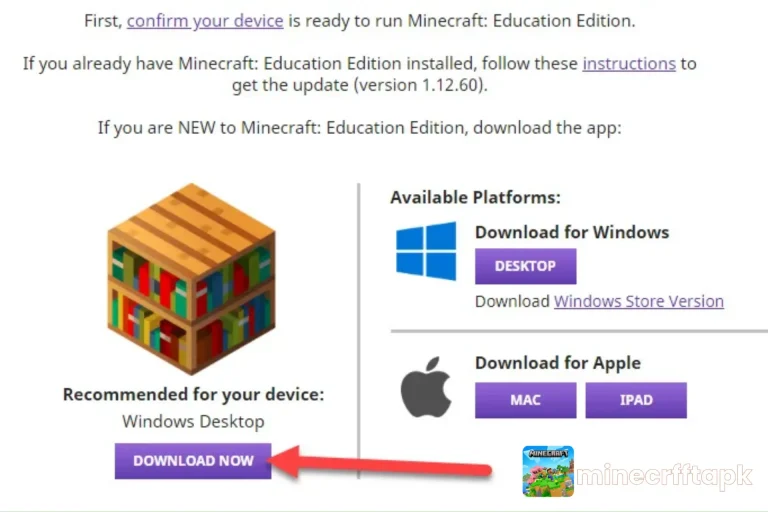
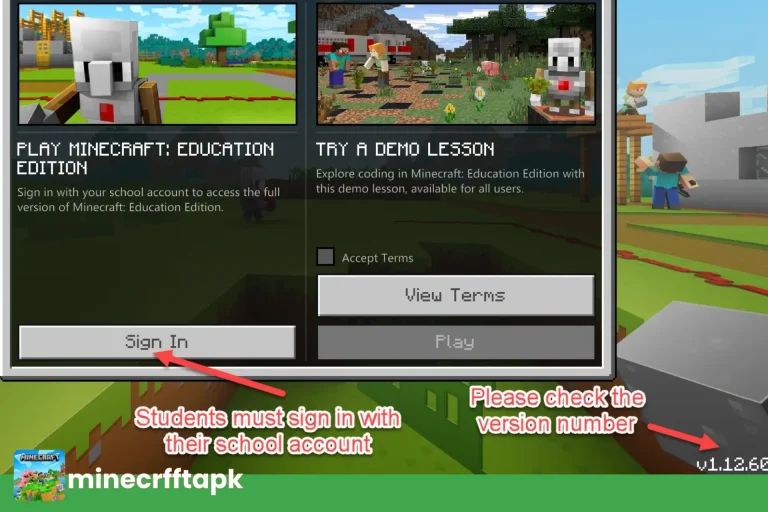
Once the setup is configured, start the gameplay and activities to improve the academic and cognitive skills of students in a happy learning mode.
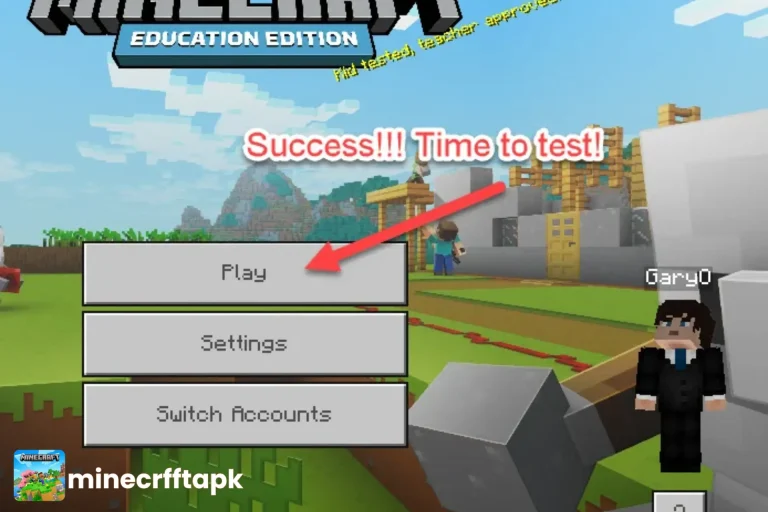
How to Use Minecraft Education Edition?
After you sign up for the app using your account, you can now access the app to customize the game course and activities pattern according to your student learning outcome goals. Once you add the activities and lesson plans to the game, start playing the game with fun and creativity, assigning students in a collaborative way.
Let students build a virtual city:
Through this activity, students use management, building, art and craft skills.
Conclusion
Minecraft Education Edition is a robust tool that makes student learning activities engaging and joyful among the teacher and students. The game implements Science, Technology, Engineering, and Maths (STEM), coding, and history rules in hands-on activities & challenges.
While talking about the positive and negative aspects of Minecraft Education Edition, the pros outweigh the cons. This invention implies innovation in educational goals following the 21st century’s immersive and collaborative, fun-based learning.